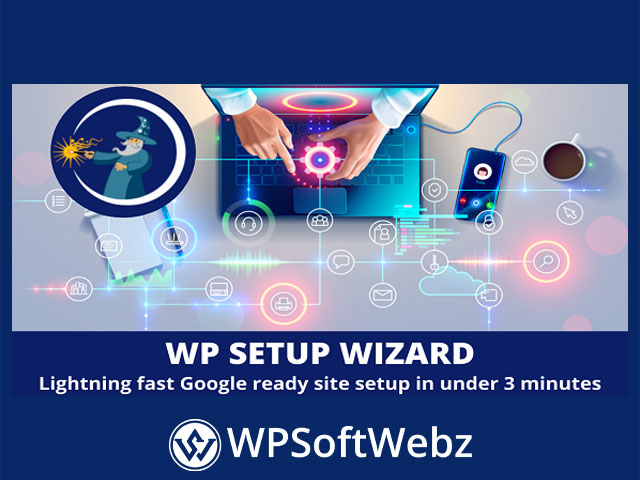

WP Setup Wizard – Premium WordPress Quick-Start & Onboarding Plugin
Launching a new site shouldn’t feel repetitive. WP Setup Wizard streamlines the first-run experience with a guided, Quick Setup Wizard that walks you through essential WordPress configuration, cleanup, and launch steps—so you can move from a blank install to a production-ready foundation without hunting through dozens of admin screens. This premium onboarding plugin is ideal for agencies, freelancers, and power users who build WordPress sites regularly and want a standardized, efficient setup flow.
Why use WP Setup Wizard?
- Reduce repetitive work and human error during initial configuration
- Enforce consistent best-practice settings across every new build
- Hand off a clean, documented process to teams and clients
Key Features of WP Setup Wizard
- Quick Setup Wizard UI – A step-by-step workflow that centralizes early-stage tasks into a single, intuitive interface.
- Core Site Settings in One Pass – Configure site title & tagline, admin email, language, timezone, and permalink structure from one guided flow.
- Smart Content Cleanup – Remove default/sample content (posts, pages, comments) to start from a clean slate.
- Essential Page Creation – Generate must-have pages such as About, Contact, Privacy Policy, Terms, and similar legal/utility pages.
- SEO Foundations – Apply baseline SEO settings and create important technical basics (meta defaults, indexing preferences, robots guidance).
- Privacy & Consent – Add a cookie notice and privacy tools to support GDPR-friendly onboarding.
- Themes & Plugins Setup – Install and activate the theme and recommended plugins you plan to use on the site—directly from the wizard.
- Security Presets – Enable sensible security options up front to reduce exposure from day one.
- Sharing & Monetization Options – Add social sharing buttons and wire up monetization paths such as AdSense/affiliate where desired.
- Performance Kick-Start – Apply optimizations that encourage faster page loads and a smoother first impression.
Keyword variations: WordPress setup wizard, site onboarding, quick start wizard, initial configuration, SEO setup, GDPR cookie notice, plugin installer, security presets, performance optimization.
How the Guided Flow Typically Works
- Clean & Prep – Clear sample content and reset what you don’t need.
- Basics – Apply site identity, timezone, language, permalinks, and admin email.
- SEO – Set default SEO/meta preferences and indexing behavior.
- Pages – Auto-create essential legal & utility pages.
- Privacy – Add cookie/consent notice and privacy touches.
- Themes & Plugins – Install/activate the theme and must-have plugins.
- Security & Performance – Turn on protective and speed-friendly options.
- Finish – Review a concise summary and proceed to building content.
Who is WP Setup Wizard for?
- Agencies & freelancers standardizing client builds
- Productized site providers who clone proven setups repeatedly
- Site owners who want a clean, best-practice start without digging through settings
Conclusion
If you routinely spin up new WordPress sites and want a clean, consistent, and fast onboarding flow, WP Setup Wizard delivers a guided experience that centralizes configuration, privacy, SEO, security, and performance from the start. Streamline your next build with WP Setup Wizard and get to real work—content and growth—sooner. Ready to simplify setup? Start with WP Setup Wizard today.