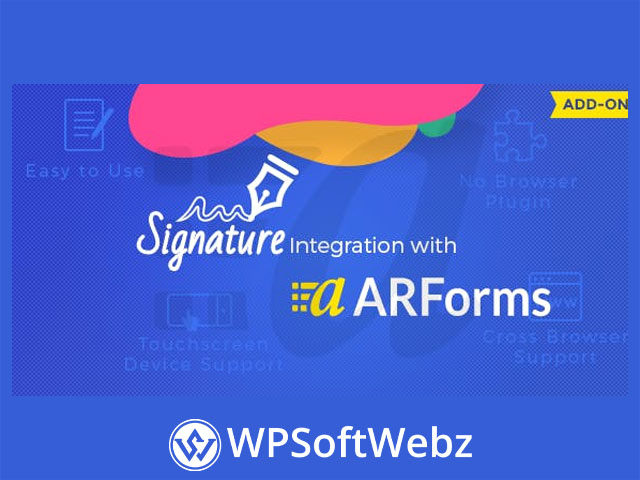

Signature Addon for ARForms
The Signature Addon for ARForms is a premium extension that adds a digital signature field to your ARForms-powered WordPress forms. Collect e-signatures on touch devices and desktops, store them with each submission, and keep your workflow inside WordPress—without requiring any special browser plugins.
What it does
This addon lets you insert a signature pad into any ARForms form, so users can sign with a mouse, trackpad, stylus, or finger. Signatures are saved with the entry and can be viewed in full from the form submissions screen, helping you capture confirmations, approvals, and acknowledgements right where they happen.
Key features of Signature Addon for ARForms
- Add a signature field to any ARForms form via the field panel (drag & drop).
- Touch-friendly input for phones, tablets, and touchpads; mouse/trackpad on desktop.
- No extra browser plugins required; works across major desktop & mobile browsers.
- PNG image capture & storage of the drawn signature on your server.
- View signatures in entries alongside other submitted fields.
- Flexible styling & layout: set custom height/width, choose one/two/three-column layouts, and add custom CSS.
- Conditional logic support to show or hide the signature field when it’s relevant.
How it works
- Install & activate the addon in WordPress alongside ARForms.
- Drag the Signature field into your form and adjust dimensions/layout as needed.
- Optionally add conditions so the field appears only when applicable.
- Publish your form and start collecting signatures—each submission stores the image with the entry.
Benefits & use cases
- Streamlined confirmations: Capture sign-offs for service requests, bookings, or deliveries within the same form.
- Familiar UX: Users sign naturally with finger, stylus, or mouse—no pop-ups or external tools.
- Clean record-keeping: Signatures are tied to form entries for straightforward review.
Requirements & compatibility
- Requires the ARForms form builder plugin on WordPress.
- Designed for major desktop and mobile browsers; no additional browser plugin is needed.
Conclusion
For teams that need simple, reliable signature capture inside ARForms, the Signature Addon for ARForms delivers a touch-friendly, cross-browser signature field with PNG storage and entry-level review—so you can gather approvals right in your forms. Add it to your stack to streamline sign-offs and keep everything in WordPress.