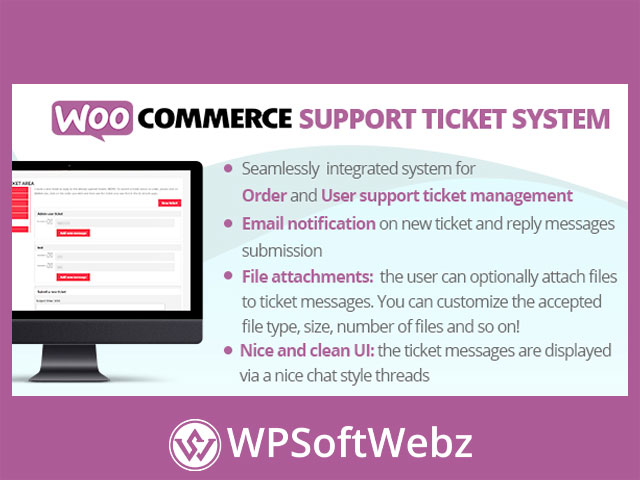

WooCommerce Support Ticket System is a premium helpdesk plugin for WooCommerce that adds a structured ticketing workflow directly inside your store—so customers can request support for specific orders or their account, and admins can manage every conversation from a dedicated backend area. Instead of juggling emails and scattered messages, you get an organized WooCommerce ticket system with attachments, notifications, customizable rules, and even a “pay per ticket” support model.
WooCommerce Support Ticket System for order and customer support
If you run a WooCommerce store, support requests often fall into two buckets: questions about an order and general account/support issues. WooCommerce Support Ticket System is built around that reality by offering multiple ticket types and dedicated front-end areas so customers can open and follow tickets without leaving your site.
Ticket types you can manage
- Order tickets: support requests tied to a specific WooCommerce order.
- User tickets: account-based support tickets for logged-in customers.
- Pay Per Ticket: a product-linked support model where customers “buy questions” through WooCommerce purchases.
How the customer experience works
Order tickets inside My Account order details
Once enabled, the plugin adds a ticket section within the customer’s order details screen in My Account → Orders. Customers can:
- Submit a new support request for that order
- Read admin replies on existing tickets
- Continue the conversation by posting new messages
- Optionally attach files (when enabled)
You can also control availability by disabling order tickets entirely or restricting them to specific order statuses—useful if you only want support tickets for paid/completed orders.
User tickets via a My Account tab or shortcode
User tickets appear in a dedicated My Account tab (label text can be customized) and can also be placed on any page via a shortcode. You can optionally prevent users from opening new tickets while still allowing them to view existing conversations—helpful for managing load or limiting access to certain customer groups.
Pay Per Ticket for paid support and productized help
For stores that offer paid support, consultations, or “question bundles,” Pay Per Ticket lets you assign a number of questions to specific products (including variations). After a qualifying purchase reaches the right order state, the plugin opens a dedicated ticket that tracks how many questions the customer can still ask—turning WooCommerce into a simple paid-support platform.
Key features and benefits
File attachments with cleaner tracking
When attachments are enabled, customers can upload files with their messages, and the system keeps attachment history per message. Admins can download and (if needed) delete attachments from the ticket view.
Email notifications and customizable templates
Enable email notifications for customers and/or admins so nobody misses a reply. You can also customize email subjects and bodies and use placeholders to insert ticket data dynamically—ideal for branding and clear, consistent communication.
Flexible statuses, priorities, and admin workflow
To keep support organized, the plugin includes:
- Default statuses (Open, In Progress, Closed) plus support for custom statuses
- Customizable priorities (via a dedicated menu)
- Ticket assignment to specific admin users and filtering to show only assigned tickets
- A backend management area that displays essential ticket info at a glance (type, associated order/user, status, priority, message counters, and more)
Predefined answers for faster replies
Create a library of predefined responses that admins can reuse when replying to tickets, speeding up resolution times and keeping support messaging consistent.
Rich text editor option on the frontend
Optionally enable a rich-text editor (TinyMCE) for the front-end ticket message fields so customers can format their requests more clearly.
WPML-ready text management
If you run a multilingual store, the plugin supports WPML workflows for translating dynamic texts through its text settings—helpful for localizing ticket labels, topics, and customer-facing messages.
Best use cases
WooCommerce Support Ticket System is a strong fit for:
- Stores that want to centralize post-purchase support inside WooCommerce
- Businesses that need order-based and account-based ticketing
- Teams that want assignment, priorities, and custom statuses for support operations
- Sites that want to monetize support with a pay per ticket or “support package” model
Conclusion
If you want an on-site helpdesk that keeps support tied to customers and orders—while adding attachments, notifications, custom workflows, and optional paid-support capabilities—WooCommerce Support Ticket System is a practical, WooCommerce-native way to professionalize customer support. Set up your ticket rules, tailor the customer-facing texts, and start handling requests in a cleaner, more trackable support flow with WooCommerce Support Ticket System.