
Add a Distraction-Free Search Overlay with SearchWP Modal Search Form
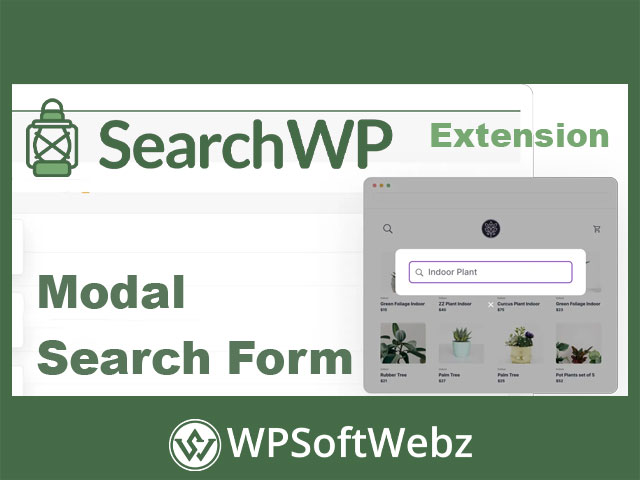
The SearchWP Modal Search Form is a premium, built-in feature of SearchWP that lets you add a full-screen, distraction-free search popup anywhere on your WordPress site. It integrates with SearchWP’s relevance engine to surface better results, supports live Ajax suggestions, and inherits your theme styles for a seamless user experience across devices.
Why use a modal search popup?
Modal search keeps visitors focused on finding content—no clutter, no page reloads. With flexible triggers and templates, you can place high-intent search exactly where it converts best.
Key Features of SearchWP Modal Search Form
- Add anywhere with a Gutenberg block or quick shortcode.
- Menu integration to place a search icon or link in your site navigation.
- Distraction-free overlay with full-screen mode and optional scroll disabling.
- Theme-aware styling that automatically matches your brand and typography.
- Customizable templates via a template loader for pixel-level control.
- Live Ajax search to display relevant suggestions as users type.
- Result tuning & prioritization using SearchWP’s custom weighting and order controls.
- Works with posts, pages, and custom post types indexed by SearchWP.
- Simple activation directly from the SearchWP interface.
Design & Placement Options
Flexible triggers
Activate the modal from a menu item, button, icon, or inline block. Use shortcodes to embed a launcher in page content, or add it to headers and footers for always-on access.
Customizable appearance
Start with pre-built modal templates, then refine layout, colors, and components. Because styles are inherited from your theme, the popup feels native out of the box.
Smarter Search Experience
Instant feedback with Ajax
Show real-time suggestions and top matches as the query is typed to reduce pogo-sticking and speed up discovery.
Fine-tuned relevance
Leverage SearchWP’s smart algorithm and per-keyword results ordering to promote high-value content, guides, or products when it matters most.
Use Cases
- Content libraries & blogs: Help readers jump straight to articles, categories, or authors.
- Documentation & knowledge bases: Surface answers quickly with type-ahead suggestions.
- Marketing & editorial sites: Highlight cornerstone content by adjusting result priority.
- Directories & CPT-heavy sites: Keep users inside a streamlined, full-screen search flow.
Who Is It For?
Site owners, marketers, and developers who want a modern search popup that’s fast, on-brand, and easy to deploy without custom code.
Conclusion
If you need a clean, conversion-friendly search overlay with live results and full template control, SearchWP Modal Search Form delivers a polished, professional experience. Elevate your site search today and help visitors find what they need—fast.