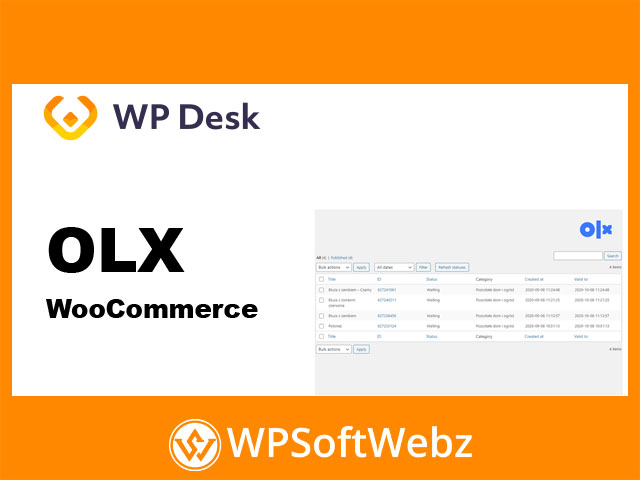

OLX WooCommerce — list ads on OLX directly from your WooCommerce products
The OLX WooCommerce plugin connects your store to OLX so you can create adverts straight from WooCommerce products, manage listings in WordPress, and keep offers synchronized via the official OLX API. Built for merchants and agencies who want marketplace reach without double entry, it streamlines ad creation, editing, and closing while supporting both simple and variable products.
Why use OLX WooCommerce?
- Publish OLX listings based on existing WooCommerce products
- Save time with a fast, guided workflow and a clean, admin-friendly interface
- Manage advert status (create, update, close) from your dashboard
- Connect through OLX API using secure credentials (Client ID & Secret)
Key Features of OLX WooCommerce
- Direct ad creation from products
Turn product data (titles, descriptions, images, price) into OLX adverts with a few clicks. - Simple & variable product support
List single-SKU items or variations, depending on your catalog structure. - Centralized management in WordPress
Build, edit, and close adverts without leaving WooCommerce. - Synchronization with OLX
Keep advert details aligned after updates to product information. - Secure API connection
Authenticate with OLX via Client ID and Client Secret for stable integration.
Practical Use Cases
- Retailers expanding exposure by promoting in-demand items on OLX
- Resellers & refurbishers converting inventory into ready-to-publish adverts
- Agencies running marketplace outreach for multiple WooCommerce clients
- Local sellers who need quick, repeatable listing workflows
Benefits for Your Workflow
- Time savings: reuse product data to avoid manual copy-paste
- Operational consistency: manage ads where you already manage products
- Fewer errors: synced details reduce mismatches between store and marketplace
- Faster go-to-market: publish to OLX in minutes, not hours
Requirements & Notes
- Requires an OLX API application (Client ID & Secret) to connect.
- Designed specifically for WooCommerce stores that advertise on OLX-supported regions.
Conclusion
If you want marketplace reach with minimal overhead, OLX WooCommerce makes it simple to turn products into OLX adverts, manage them centrally, and keep details synced. Ideal for stores and agencies seeking efficient, repeatable listing workflows—activate OLX WooCommerce and start publishing to OLX directly from WordPress.