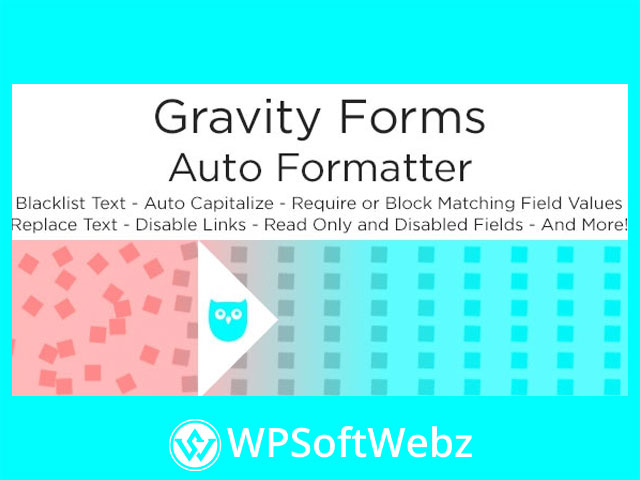

What Is Gravity Forms Auto Formatter?
Gravity Forms Auto Formatter is a premium third-party add-on for Gravity Forms (by Plugin Owl) that cleans, formats, and validates user input—automatically. It helps you standardize capitalization, restrict characters, block unwanted content (like links or code), control autocomplete/spellcheck, and even add a review step before submission. The result is cleaner entries, less manual data cleanup, and better form UX—without writing custom code.
Highlights at a Glance
- Automatic case formatting and text cleanup
- Per-field controls for read-only/disabled, autocomplete, and spellcheck
- Character restrictions, match/non-match validation, and custom replacements
- One-click or automatic copy between fields (e.g., billing → shipping)
- Optional pre-submit review page for error-free entries
Key Features of Gravity Forms Auto Formatter
Input Formatting & Cleanup
- Auto capitalization/case rules: Title case names, enforce uppercase codes, or normalize text.
- Blacklist & link blocking: Prevent URLs or forbidden phrases in open text fields.
- Custom text replacement: Swap terms or characters on the fly for consistent data.
- Before/after text appending: Add prefixes/suffixes to values when needed.
Validation & Allowed Characters
- Character type restrictions: Limit inputs to numbers only, letters only, or a specific whitelist.
- Min/max length: Enforce character counts for IDs, codes, and short answers.
- Match / non-match checks: Require fields to match (e.g., confirm email) or to differ (e.g., new vs current password hints).
Field Behavior & UX Controls
- Read-only or disabled states: Lock calculated or prefilled fields to avoid edits.
- Obscure input (non-password fields): Hide/show sensitive text with an optional user toggle.
- Autocomplete & spellcheck toggles: Turn these browser features off when they hinder accuracy.
Productivity & Workflow
- Auto-copy or one-click copy between fields: Let users duplicate values (e.g., same address) to save time.
- Per-field configuration: Apply unique rules to individual fields across any form.
Error Prevention & Review
- Pre-submit review page: Add an optional “review your answers” screen so users can confirm entries before sending.
How Gravity Forms Auto Formatter Improves Your Forms
Better Data Quality
By sanitizing inputs (removing links, HTML tags, or PHP code) and enforcing formatting rules, you’ll receive consistent, analysis-ready entries that integrate reliably with CRMs, ERPs, and automation tools.
Faster Form Completion
Auto-copy, read-only fields, and clear input boundaries reduce friction and mistakes—leading to fewer validation errors and abandoned forms.
Reduced Admin Cleanup
With standardized capitalization, length limits, and custom replacements applied at the source, your team spends less time correcting data and more time acting on it.
Popular Use Cases
- Lead & contact forms: Block promotional links, normalize names, and require matching emails.
- Account or registration flows: Enforce character rules for usernames, IDs, or coupon codes.
- Order & checkout forms: Auto-copy addresses, lock calculated totals, and disable spellcheck where it causes false flags.
- Applications & surveys: Add a pre-submit review step to cut errors and support requests.
Why Choose Gravity Forms Auto Formatter?
- All-in-one input control: Replace multiple snippets and plugins with one focused add-on.
- Per-field precision: Tailor behavior exactly where you need it, form by form.
- No coding required: Configure rules quickly inside the Gravity Forms UI.
Who Is It For?
Agencies, site builders, and merchants who depend on Gravity Forms and need premium input formatting, sanitization, and UX controls to protect data quality and streamline submissions.
Conclusion
If you want cleaner entries, fewer errors, and a smoother form experience, Gravity Forms Auto Formatter delivers powerful formatting, validation, and review tools right inside Gravity Forms. Standardize your data and speed up submissions with Gravity Forms Auto Formatter today.