Convert myCred Points into Real Money with PayPal
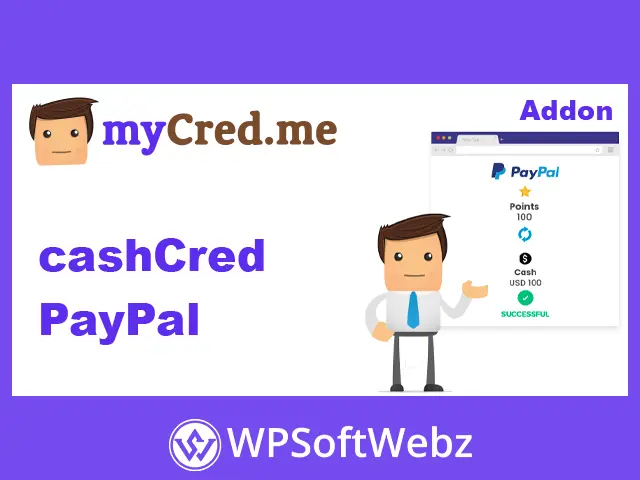
cashCred PayPal is a premium WordPress add-on for myCred that allows users to convert their accumulated reward points into real money and withdraw their earnings directly to their PayPal accounts.
Designed for websites that operate loyalty programs, reward systems, and point-based communities, this add-on connects your myCred points ecosystem with PayPal, giving members a practical way to redeem their rewards.
Whether you run a membership website, an online community, or a platform where users earn points through engagement, cashCred PayPal provides a convenient way to introduce cash withdrawals into your rewards program.
Key Features of cashCred PayPal
Automatic PayPal Withdrawals
Enable automatic withdrawal processing so eligible user requests can be handled through PayPal without requiring individual manual approval.
Manual Withdrawal Management
Keep control over payouts by enabling manual withdrawal mode. Users submit withdrawal requests, and administrators can review and manage them before processing.
Minimum and Maximum Withdrawal Limits
Set minimum and maximum point requirements for withdrawals. These restrictions help you control redemption amounts and establish clear withdrawal policies.
Flexible Currency and Exchange Rates
Configure the currency type and exchange rate used to convert myCred points into monetary value. This allows you to define how much each point is worth within your rewards program.
Custom Point Types
Use custom point types configured through myCred settings to support your preferred points structure.
Withdrawal Status Tracking
For manual withdrawals, administrators can manage requests through three statuses:
- Pending
- Approved
- Rejected
PayPal Transaction Debugging
Use the debugging log to review transaction responses returned by the PayPal payment gateway, helping administrators investigate payment processing issues.
How cashCred PayPal Works
The add-on connects your existing myCred rewards system with PayPal withdrawals.
- Install and activate cashCred PayPal on your WordPress website.
- Enable the PayPal payment method in cashCred settings.
- Configure your currency, exchange rate, and withdrawal limits.
- Connect your PayPal account using the required API credentials.
- Choose automatic or manual withdrawal processing.
- Allow users to submit requests to convert their earned points into cash.
The frontend withdrawal functionality can be displayed using the myCred cashCred shortcode, allowing members to manage their payment details and withdrawal requests.
Who Should Use cashCred PayPal?
This add-on is particularly useful for:
- Membership websites: Reward active members with redeemable points.
- Online communities: Encourage participation through point-based incentives.
- Reward platforms: Give users an opportunity to exchange earned points for money.
- Gamification websites: Add real monetary redemption to an existing points system.
- Customer loyalty programs: Provide another redemption option for engaged customers.
Why Choose cashCred PayPal?
cashCred PayPal extends myCred beyond traditional points and rewards by introducing a PayPal withdrawal option.
Its automatic and manual processing modes give administrators flexibility over payout management, while configurable exchange rates and withdrawal limits help establish a structured redemption system.
If you want to make your myCred rewards program more valuable by allowing members to convert their points into real money, cashCred PayPal is a practical addition to your WordPress website.
Bring real monetary value to your rewards program with cashCred PayPal and give your users a convenient way to redeem their myCred points through PayPal.